Local multi-agent management system
Build your own AI team
Throw a request in however you like and it still lands. Watch the whole thing live, the way you would in jira: the tickets being split up, the agents working together to finish them. Your own multi-agent system, on your own machine, and it's easy to set up.
with Claude Code · Codex
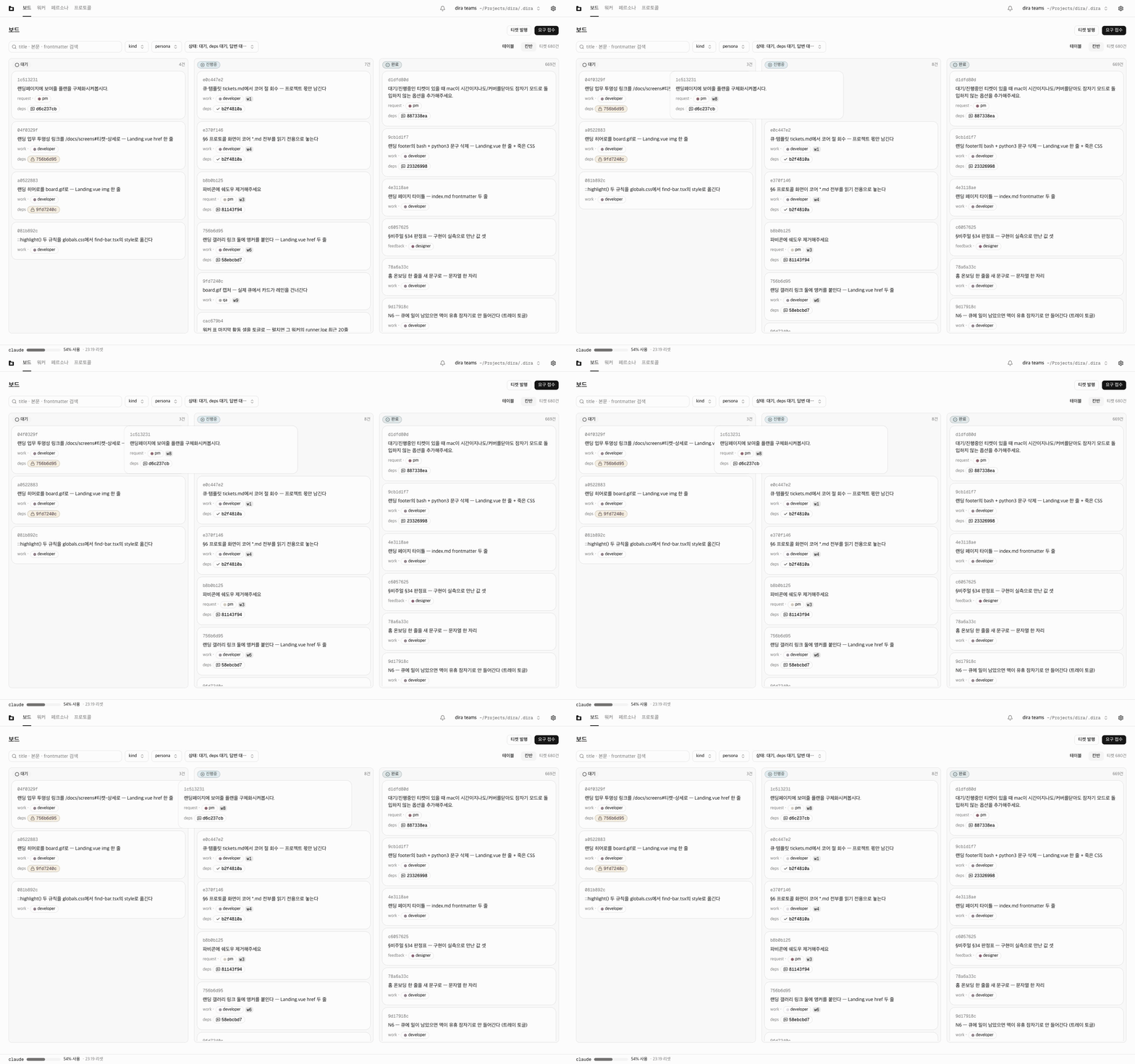
Say it and it gets done
- .md① Submit a request
Write down what you want the way you would say it out loud. That's the whole job. The agents take the tedious, complicated rest.
- .wip② Everything moves at once
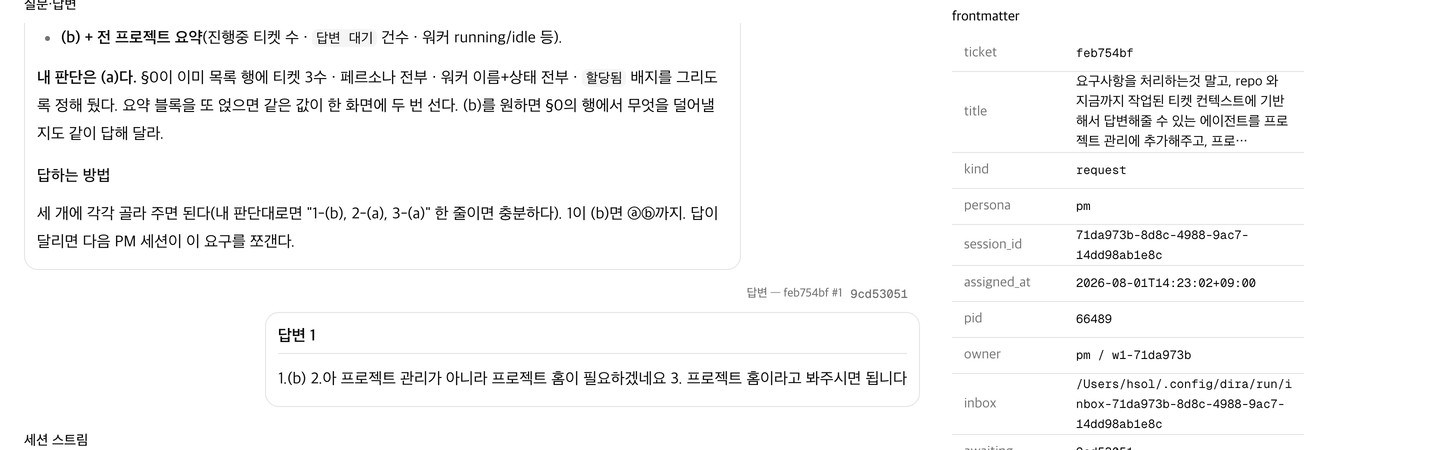
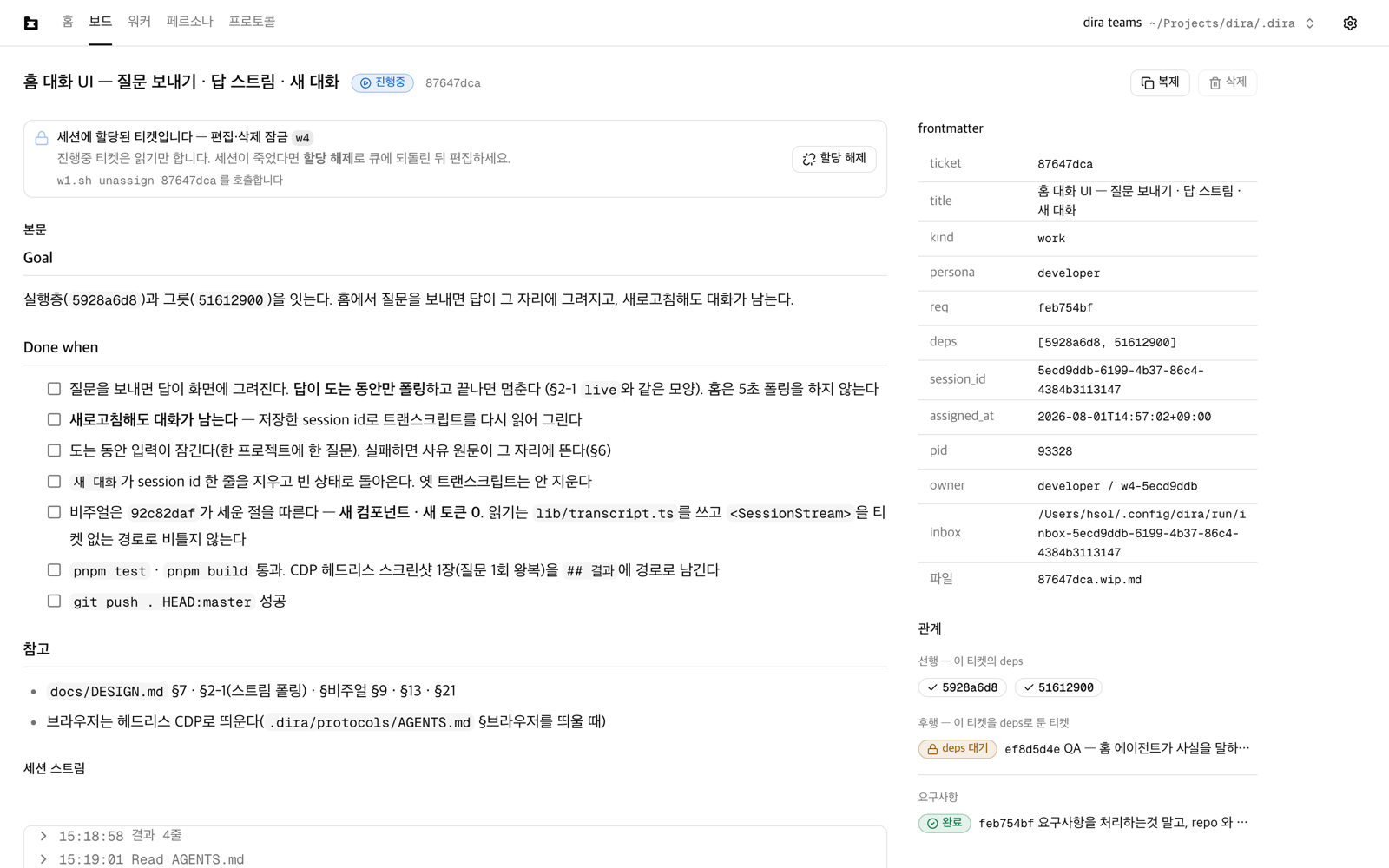
The agent that takes your request works it out and splits it into tickets, one per piece of work. A worker with the right persona picks up each ticket, and together they finish what you asked for.
- .done③ That's it. Easy, right?
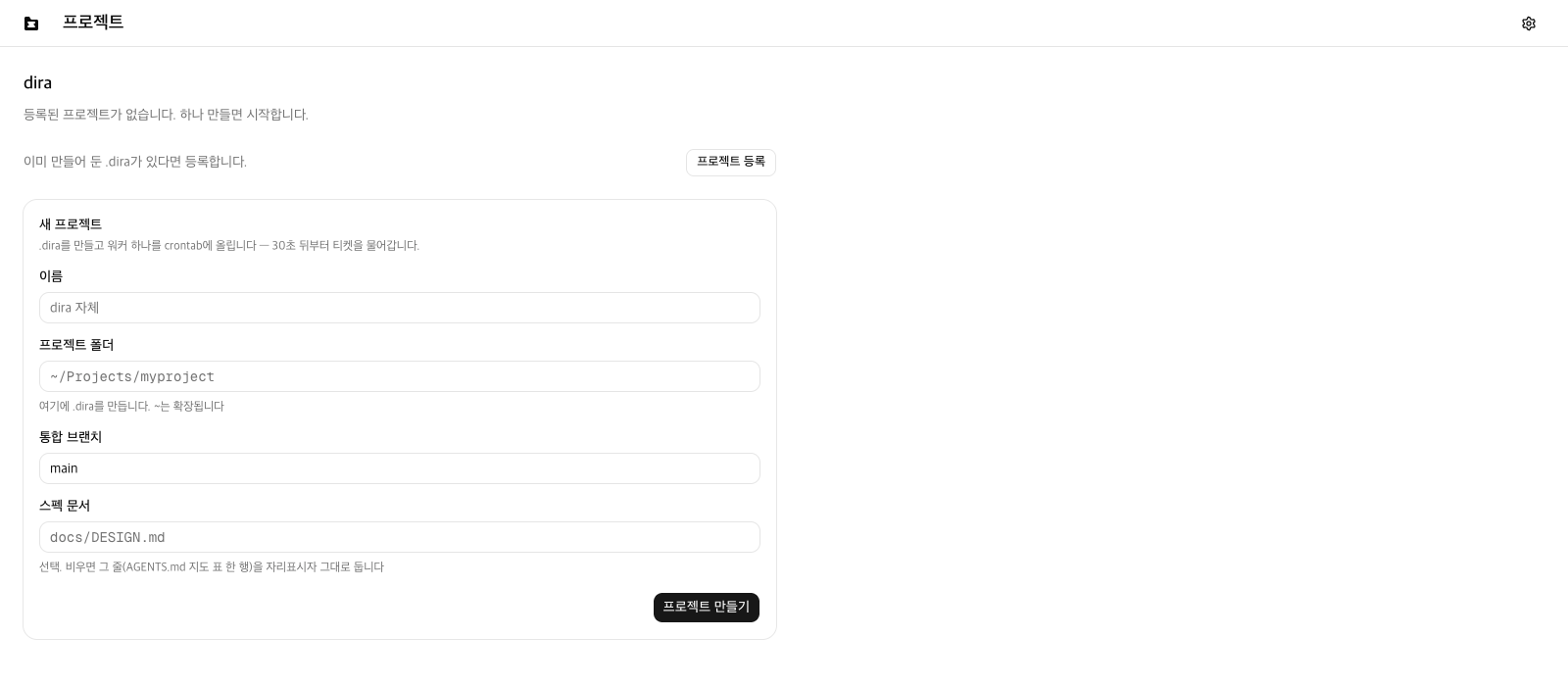
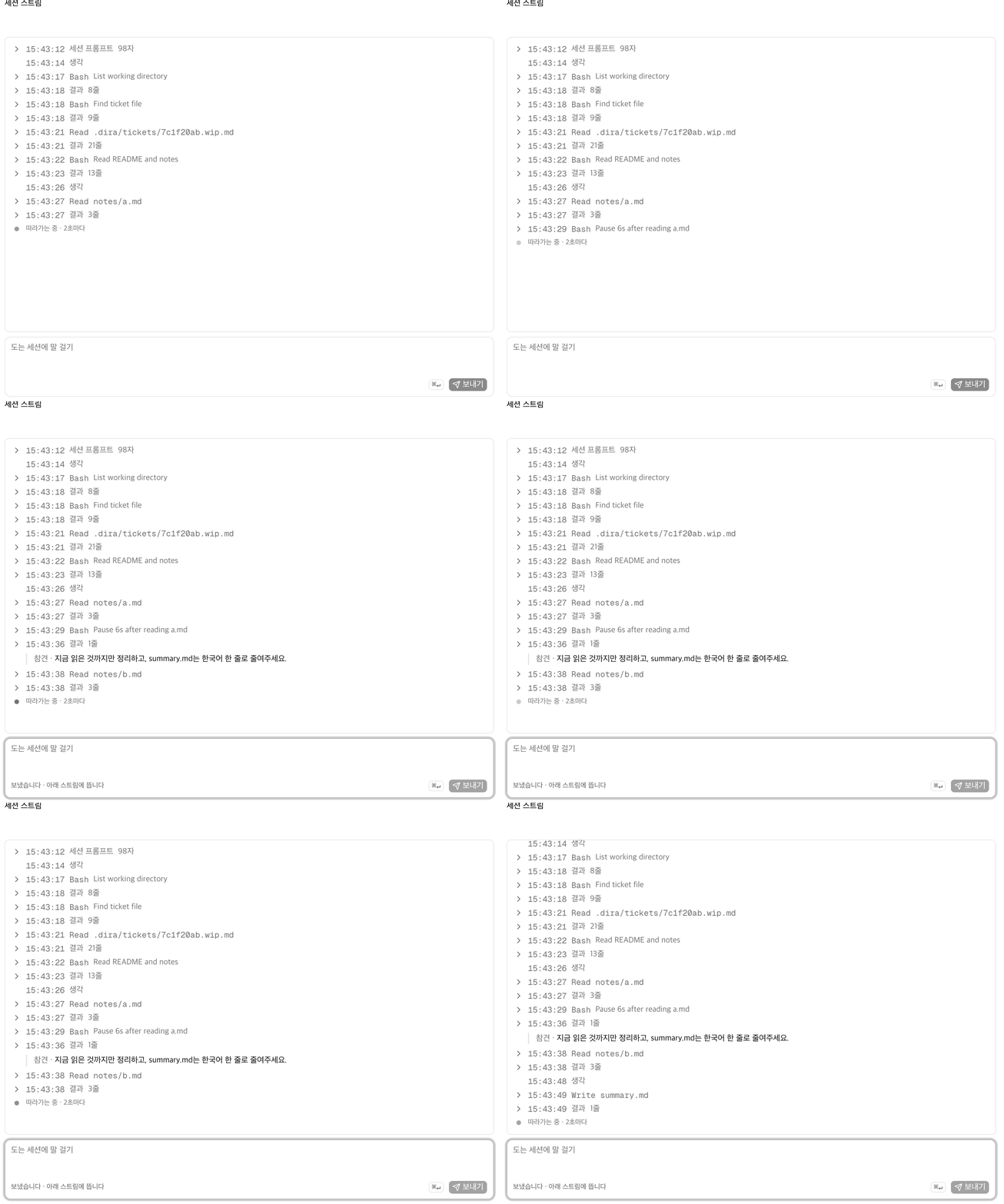
You see what the workers read and how they change it, live. When one gets stuck mid-job, it asks you. Ask and answer the way you would with a person, and the feature you wanted is finished!
Finished work stays on the record
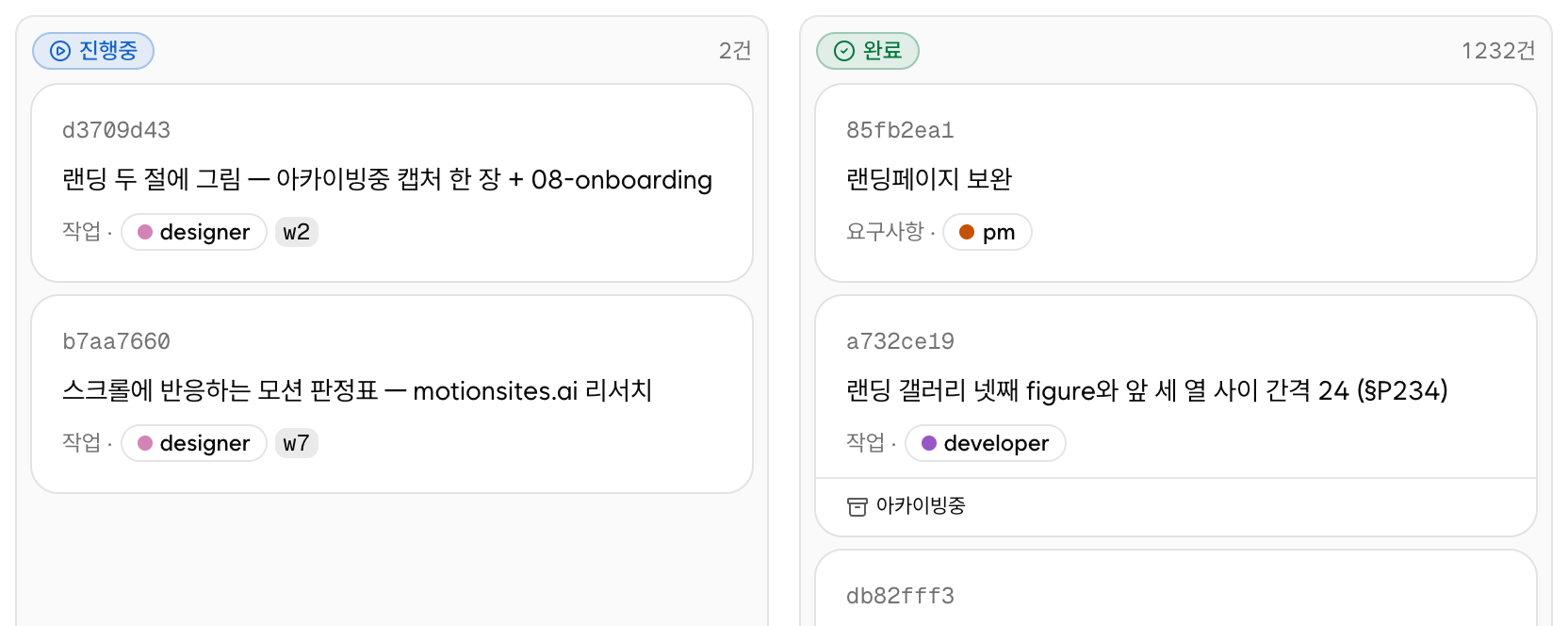
- Once a ticket turns
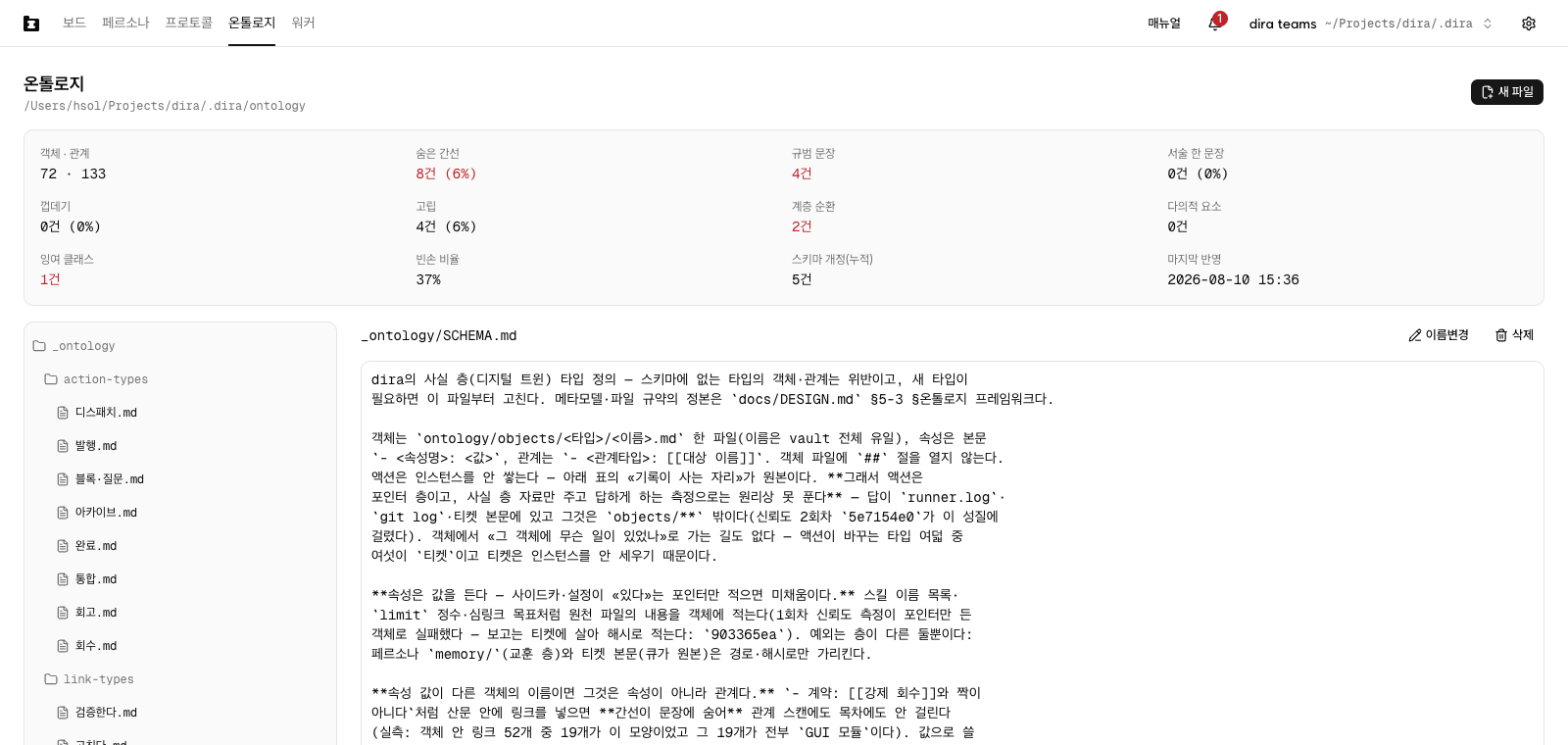
.done, one archive ticket follows it. AnArchivingline shows up under the done card, and because a worker takes that one too you can watch how far it has got - What's left is one markdown file and one section at the foot of the ticket. The worker that took the archiving picks the facts out of the job just finished, writes them into
.dira/ontology/in the project folder, and adds a## 아카이브section to that ticket's body - The next session starts out knowing where that is. Where the ontology sits and how to search it goes out in every prompt a worker gets
- The files are plain markdown.
[[link]]ties them to each other, so a tool like Obsidian opens the folder whole. Move the project and the record moves with it
The more you hand over, the better the workers know this project. They start by reading who decided what yesterday, so you never say the same thing twice.
You don't need an account
- dira has no server. No sign-up, no login. Download it and open it, that is all, and nothing you make gets uploaded anywhere
- Tickets and records are both inside the project folder. The queue is the single directory
<project>/.diraand what it holds is markdown files. There is nowhere to set permissions, so being able to open that folder is the permission - The work does go out to the model. When a worker starts a session, the ticket body and the code it needs travel through the engine you picked and reach the model. Outside that one channel, dira takes nothing away
- Turning usage analytics off is all it takes. We count eight things about what you press on screen. Ticket titles, ticket bodies, file paths and prompts are not carried. Turn it off in settings and nothing goes out from that moment on, and to wipe what is left, delete the one file
~/.config/dira/analytics.jsonand you are done
- 0Engine dependencies
bash + the python3 standard library - 14Workers running at once across 4 projects on one Mac
- 4237Tickets its own queue took
4235 done - 44 daysSince the first commit
2,673 commits
As of 2026-09-11
Install
Download it, install it, done
Get it and open it. You never have to open a terminal.
- ①
.dmg— open it and drag.dira.appgoes intoApplicationsand the install is over. The build is signed and notarized, so the Mac won't stop you on first open with a warning about an app it doesn't know - ② Open the app for the first time and the form is already unfolded. Put in a name and a project folder, then press
Create project. - ③ Thirty seconds later a worker starts sweeping the queue. Leave a ticket there and it gets picked up from then on
- The engine is one of four —
claude,codex, grok and agy. You pick the model along with the worker, and a name that isn't in the list you type in yourself. After that, press theEnginecolumn on the workers screen to change it. Interject is onclaudeonly, and the session stream is on claude and grok. The app runs on Apple Silicon Macs only - You can also run the engine alone, with no screen. On Linux, or when you don't need a screen, follow the route that gets the repo directly.
Full install guideCreate your first projectRunning the engine alone
Plans
Start free on your own machine
- Free
- Install and run the local app and engine yourself
- P2P collaboration with your teammates Soon
- Engine MCP Soon
The local engine and app are free forever. dira is rooting for a multi-agent ecosystem that builders make.
- Pro
- Cloud projects Soon
- dira's own cloud LLM Soon
- Web hosting for what you build Soon
- Cloud workers Soon
- Enterprise
- Enterprise-only customization Soon
- Hooks into your internal tools Soon
- Persona market Soon
- We build the ecosystem together too
No sign-up, no payment. Delete it if it doesn't suit you, so install it and see.